Smol Markdown notes
A universal Markdown notes app for Apple devices, where every note is stored as a plain text file and stays in sync.
Smolpad is a tiny Markdown notes app for Mac, iPhone, iPad, and Apple Watch. On the Mac it lives in the menu bar, one keystroke away: click the icon, write the thought down, and tear the panel off into a window when you want it to stay. Every note is a plain .md file in your own iCloud Drive, so your writing outlives the app you wrote it in.


Smol, but mighty features
Daily notes
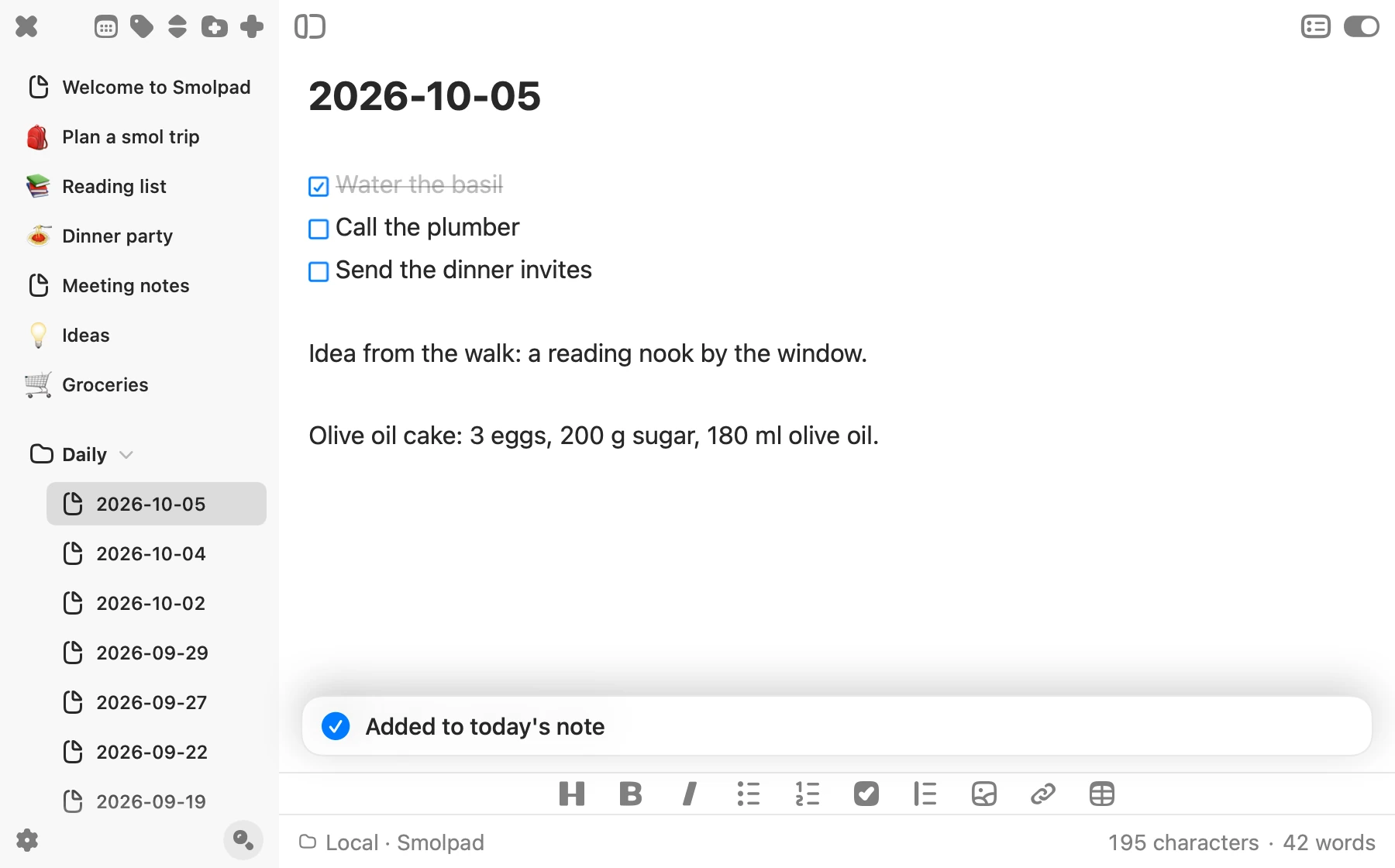
A note for every day
Turn on Daily note and each day gets its own page, named for the date. Jot down today's to-dos, a phone number, the idea you had on your walk.
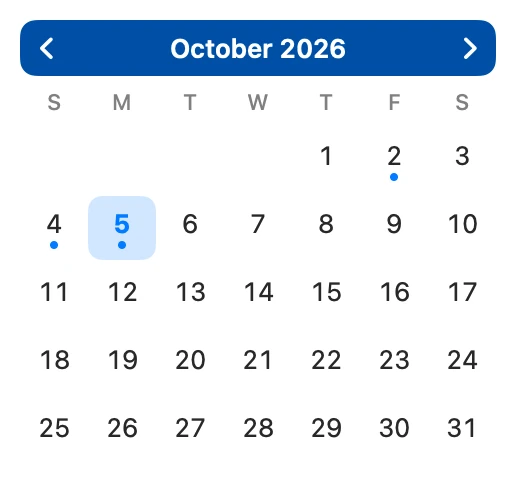
Need something from last Tuesday? Open the calendar and pick the day. A dot marks every day you wrote.
On the Mac, select text in any app and press ⌃⌥⌘T to add it to today's note.
Notepads
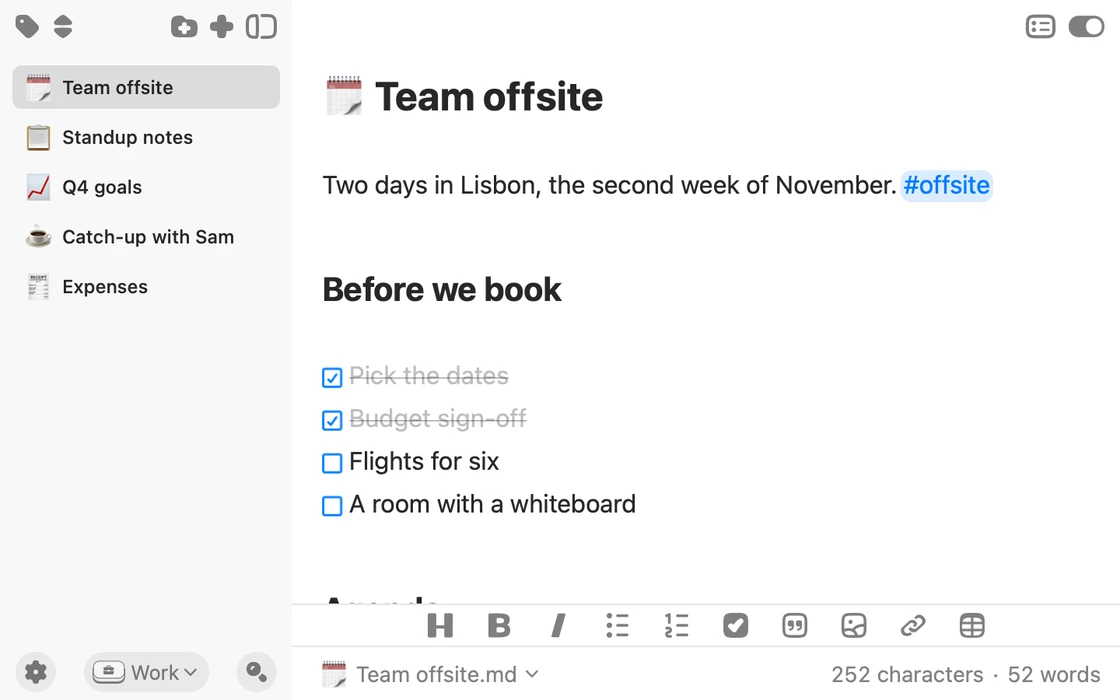
A notepad for work, home, and everything in between
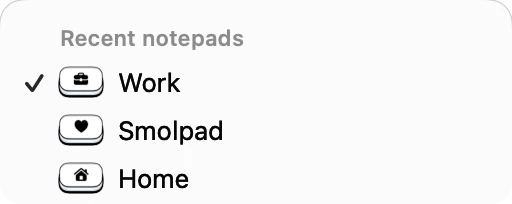
A notepad is a set of notes of its own, with its own folders, Trash and history. Switch between them from the pill at the foot of the notes list.
On the Mac, any folder can be a notepad, like an Obsidian vault or a folder of exports. Smolpad edits the files right where they are, and a copy syncs to your iPhone and iPad. A Bear export comes in as a notepad too.
Your notes start in the Smolpad notepad, which is free. Smolpad Pro adds more.
Sync
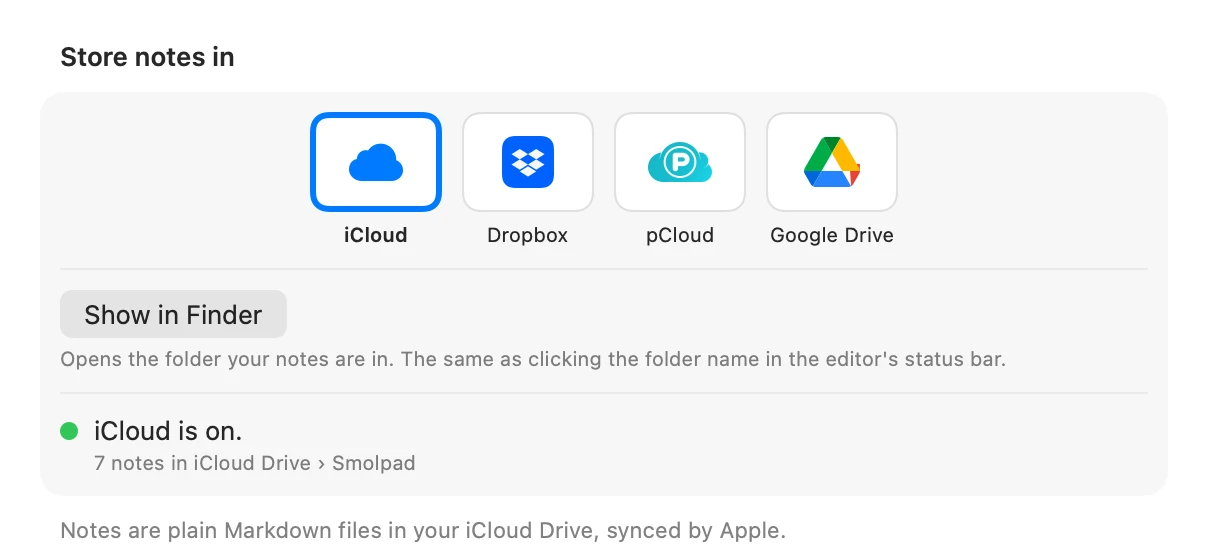
Your notes, in your cloud
Every note is a plain Markdown file, synced through iCloud Drive for free. With Smolpad Pro, keep them in pCloud, Google Drive, or Dropbox instead.
iCloud Drive Free or
pCloud Pro Google Drive Pro Dropbox Pro
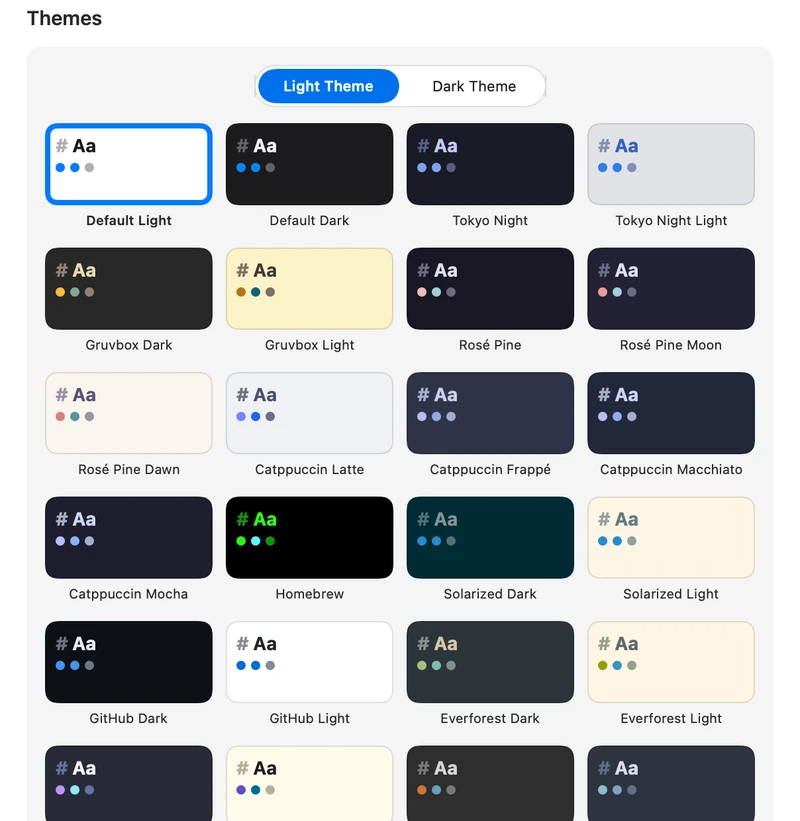
29 themes
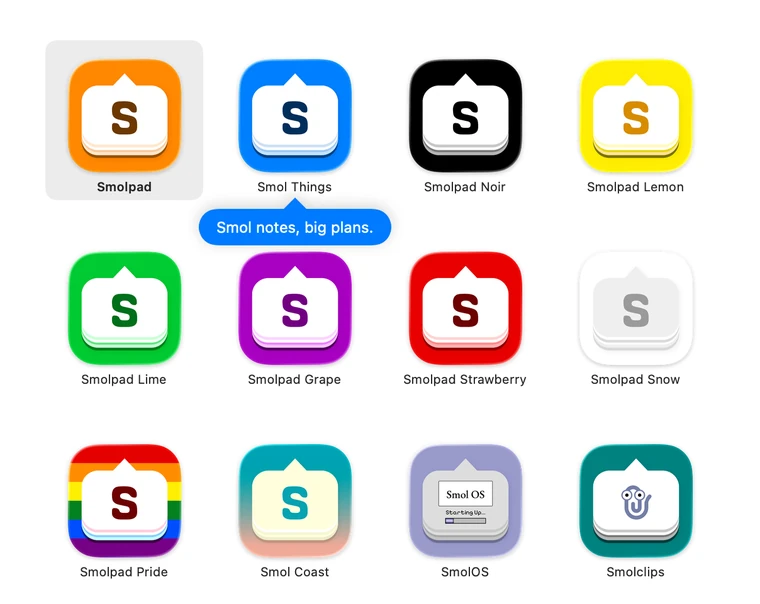
Themes and app icons
Make it yours
Twenty-nine editor themes, with separate picks for light and dark, and seventeen app icons for your Home Screen and Dock.
The two Default themes and the classic icon are free. Smolpad Pro unlocks the rest.
Drag the handle to compare.
Icon sets
Chonk, or San Francisco
Out of the box, Smolpad uses the bold and rounded interface icons of Chonk. Prefer the sleek style of Apple's icons? Pick San Francisco in Settings › Appearance.
Also in Smolpad
- Live Markdown styling Headings, bold, lists, and links style as you type.
- Tables and note links Type a table and it reads as a grid. [[Note title]] links one note to another.
- Pictures in your notes Drag or paste one in, then drag a corner to resize it.
- Tags and an outline Filter your notes by #tag, and jump through a long note by its headings.
- One keystroke away On the Mac, Smolpad waits in the menu bar behind a global hotkey.
- Shortcuts, Siri, and Spotlight Ask Siri for today's note, build Shortcuts with Smolpad, and find any note from Spotlight.
- At home on iPhone and iPad A formatting bar above the keyboard, and Save Clipboard right from the Home Screen icon.
- On your wrist and Lock Screen With Smolpad Pro, read and check off notes on Apple Watch, and add Lock Screen widgets.
Pricing
One purchase covers Mac, iPhone, iPad, and Apple Watch.
Free
$0forever
Your first ten notes, on the house.
- Markdown that styles as you type
- Plain .md files in your iCloud
- iPhone and iPad apps included
- No time limit on free tier
Smolpad Pro
$1.49per month
For trying Pro on for size.
$14.99per year
About two months free compared to a monthly subscription.
$29.99once
Pay once. Yours on every device.
- First week free for new subscribers
- Every future Pro feature
- No subscription
- Unlimited notes
- Twenty-nine editor themes
- Seventeen custom app icons to make it your own
- Dropbox, pCloud, and Google Drive sync
- Apple Watch app and Lock Screen widgets
- Export to PDF, HTML, or rich text, and print
Prices shown in USD; the App Store sets local prices. Upgrading happens inside the app.