Press kit
Everything you need to write about Smolpad, in one place. Nothing here needs permission, a sign-in, or an email to me first. If something is missing, ask and I will add it.
Gary Bacon, BaconWorks, LLC · press@smolpad.com
Happy to answer questions, send a review copy, or get on a call.
Download everything. Screenshots at full resolution, the app icon at three sizes, the demo clip, and the fact sheet as plain text.
Download the press kit (5 MB)Prefer individual files? Everything below is linked on its own.
Fact sheet
| App name | Smolpad Listed on the App Store as “markdown notes - Smolpad” in English, “Markdown notes - Smolpad” in French, “Markdown Notizen - Smolpad” in German, and “Smolpad - заметки Markdown” in Russian. |
|---|---|
| What it is | A tiny Markdown notes app that lives in your Mac's menu bar, where every note is a plain .md file in your own iCloud, Dropbox, pCloud, or Google Drive. |
| Price | Free for your first ten notes, with every editing feature included. Smolpad Pro is $1.49/month, $14.99/year, or $29.99 once. One purchase covers Mac, iPhone, iPad and Apple Watch. |
| Platforms | macOS 15 or later. iPhone and iPad on iOS 18 or later. Apple Watch on watchOS 11 or later, with Smolpad Pro. Universal purchase. |
| Released | August 5, 2026 |
| Languages | English, French, German and Russian, in the app and on the App Store. The Russian is a draft, waiting on its volunteer's review. |
| Developer | BaconWorks, LLC. One person: Gary Bacon. |
| App Store | apps.apple.com/app/id6792438749 |
| Website | smolpad.com |
| Contact | press@smolpad.com |
Copy you can lift
Written to be quoted as-is. No need to attribute it or rewrite it.
One sentence
Smolpad is a tiny Markdown notes app that lives in your Mac's menu bar, where every note is a plain text file in your own iCloud, Dropbox, pCloud, or Google Drive rather than in somebody's database.
One paragraph
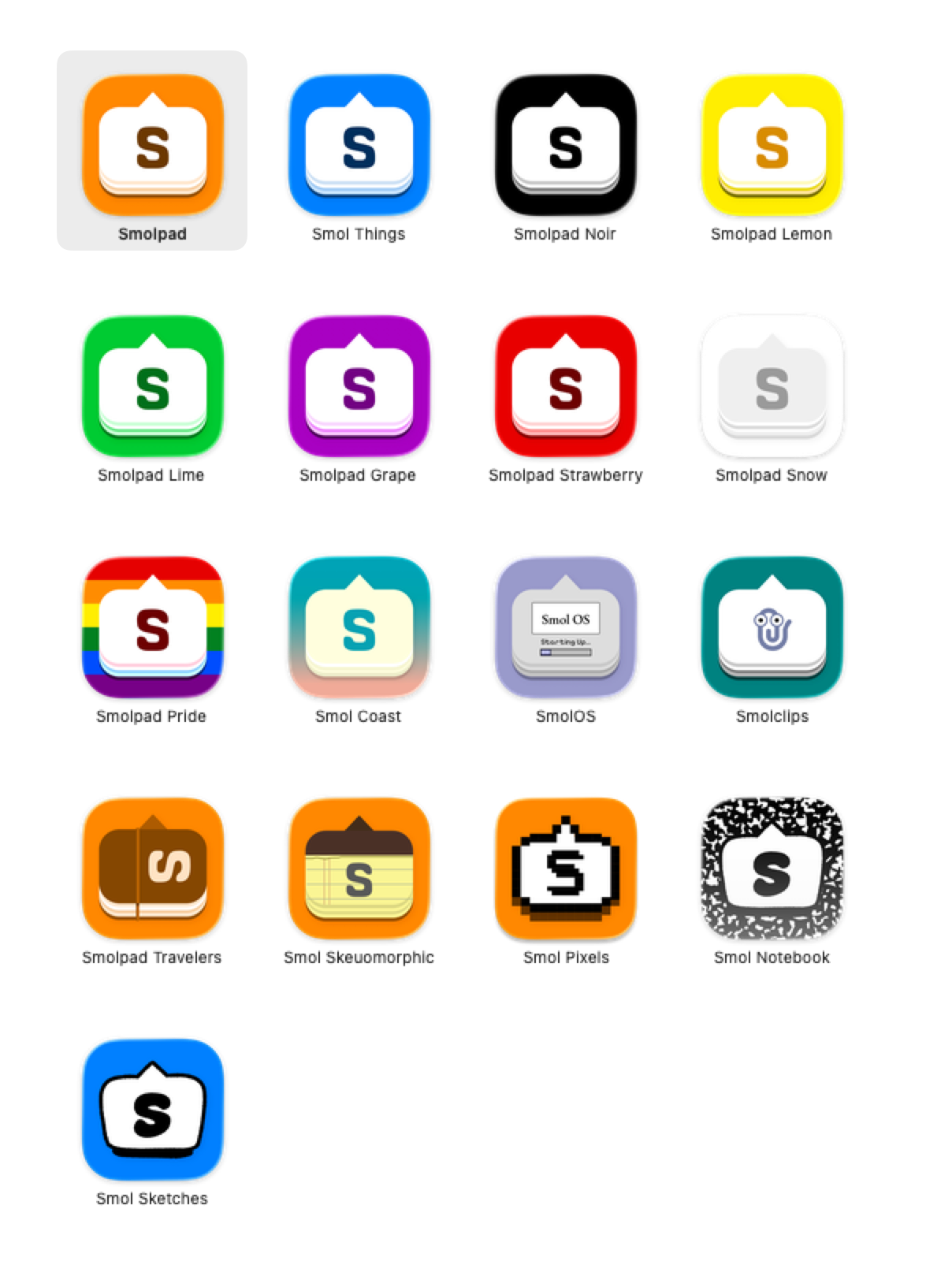
Smolpad is a Markdown notes app for people who want somewhere to put a thought without opening a whole application. It lives in the Mac menu bar, opens on a keystroke, and tears off into a floating window when a note turns into real writing. Every note is an ordinary .md file in a folder you can open in Finder, sync through your own iCloud, Dropbox, pCloud, or Google Drive, and read with anything else. It is free for ten notes, and $14.99 a year or $29.99 once for unlimited notes, twenty-nine editor themes and seventeen app icons. iPhone, iPad and Apple Watch are included in the same purchase.
Two paragraphs
Most notes apps ask you to move in. They want your writing in their database, their format, and their sync service, and getting it out again later is a project. Smolpad takes the opposite bet: your notes are plain Markdown files in a folder that belongs to you, and the app is just a nice way to edit them. Delete Smolpad tomorrow and every note is still sitting there, readable by any text editor on any device.
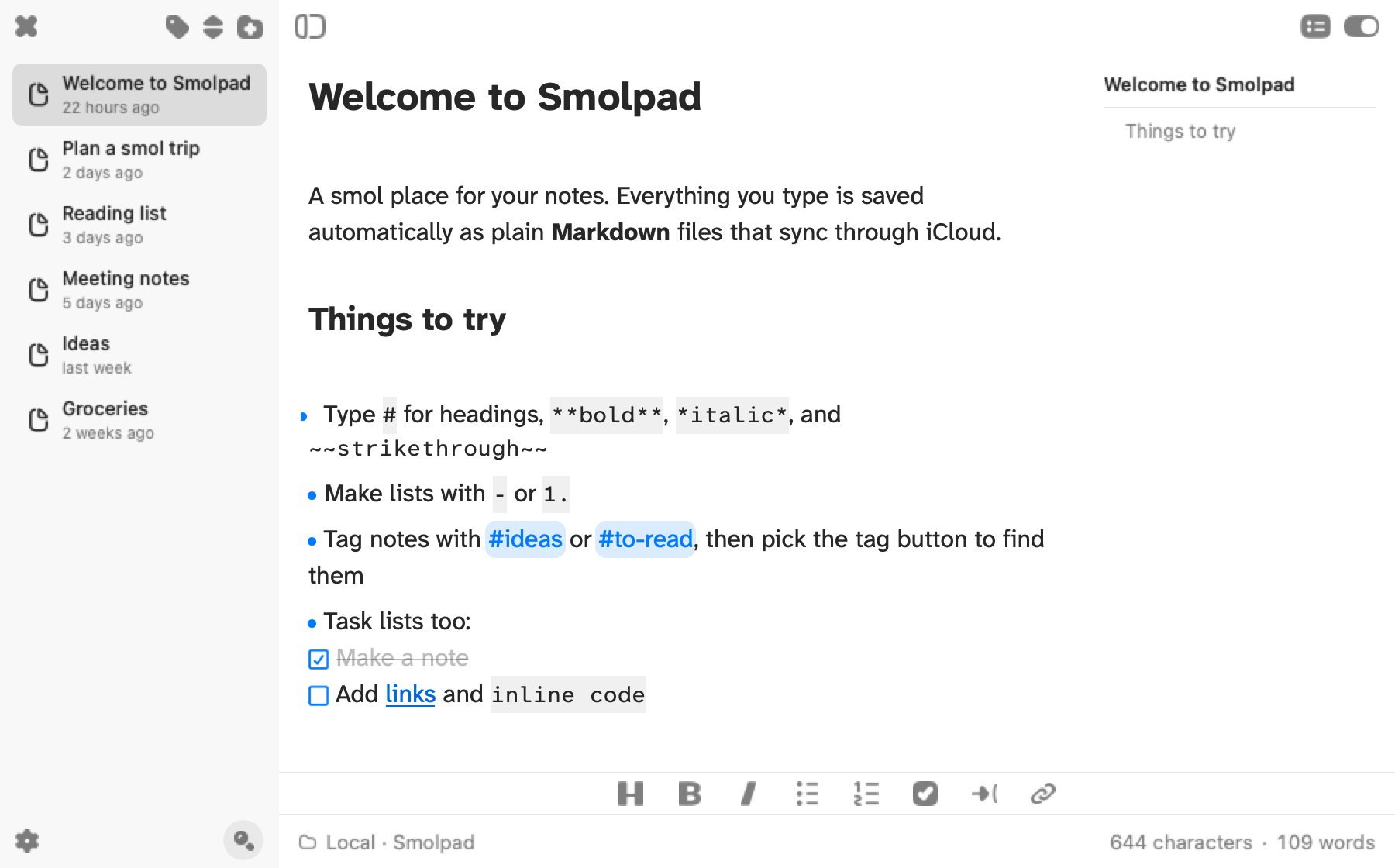
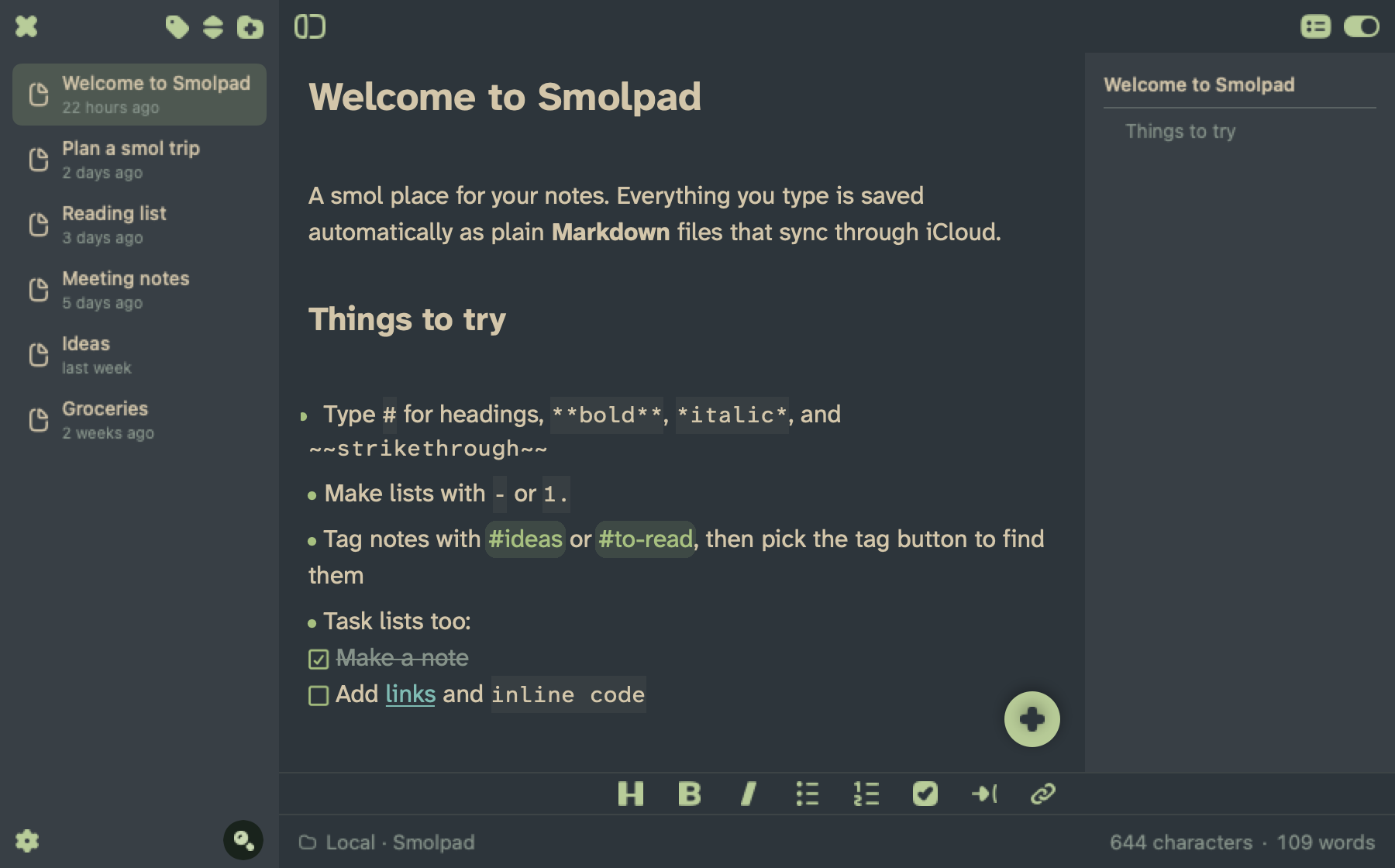
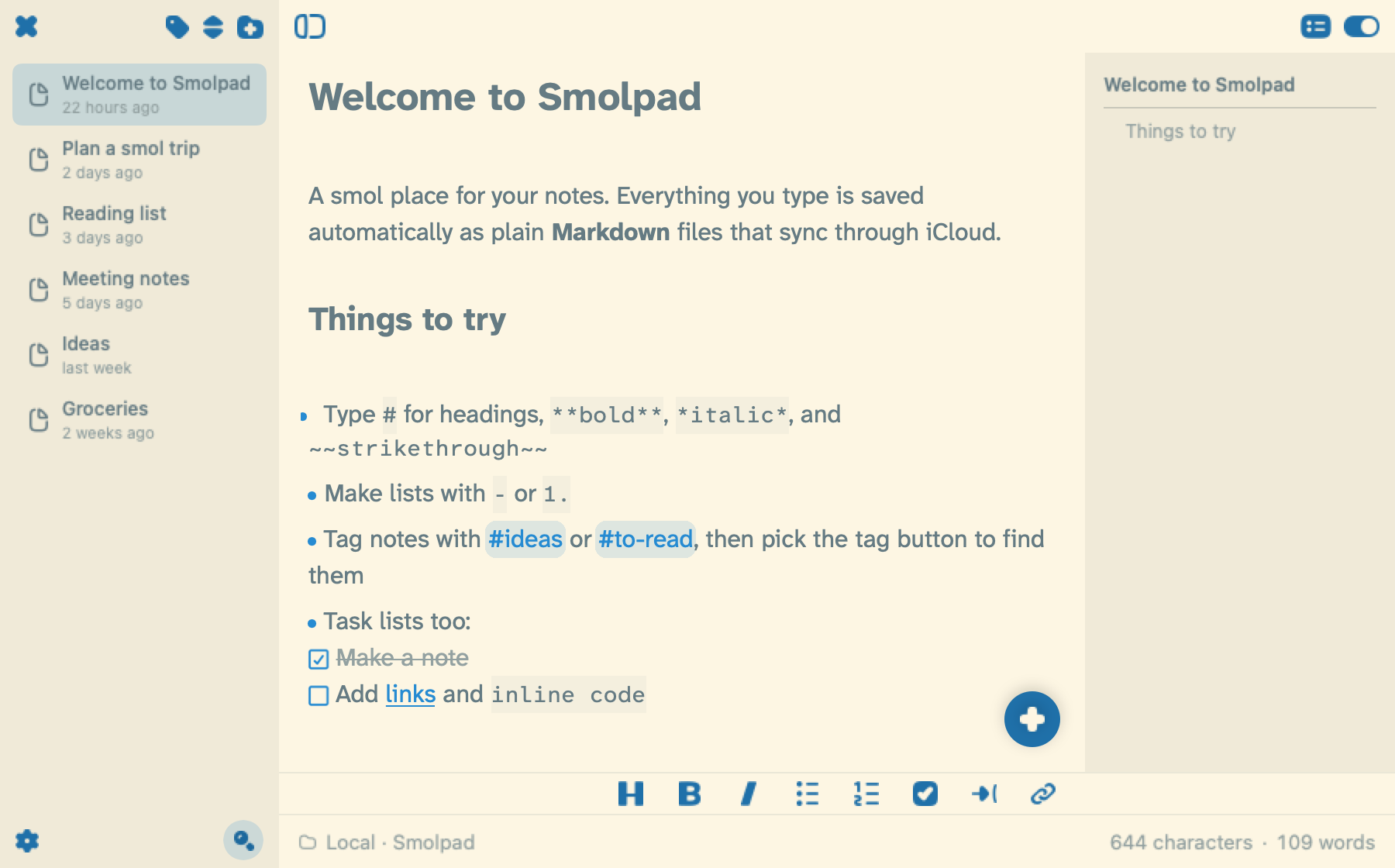
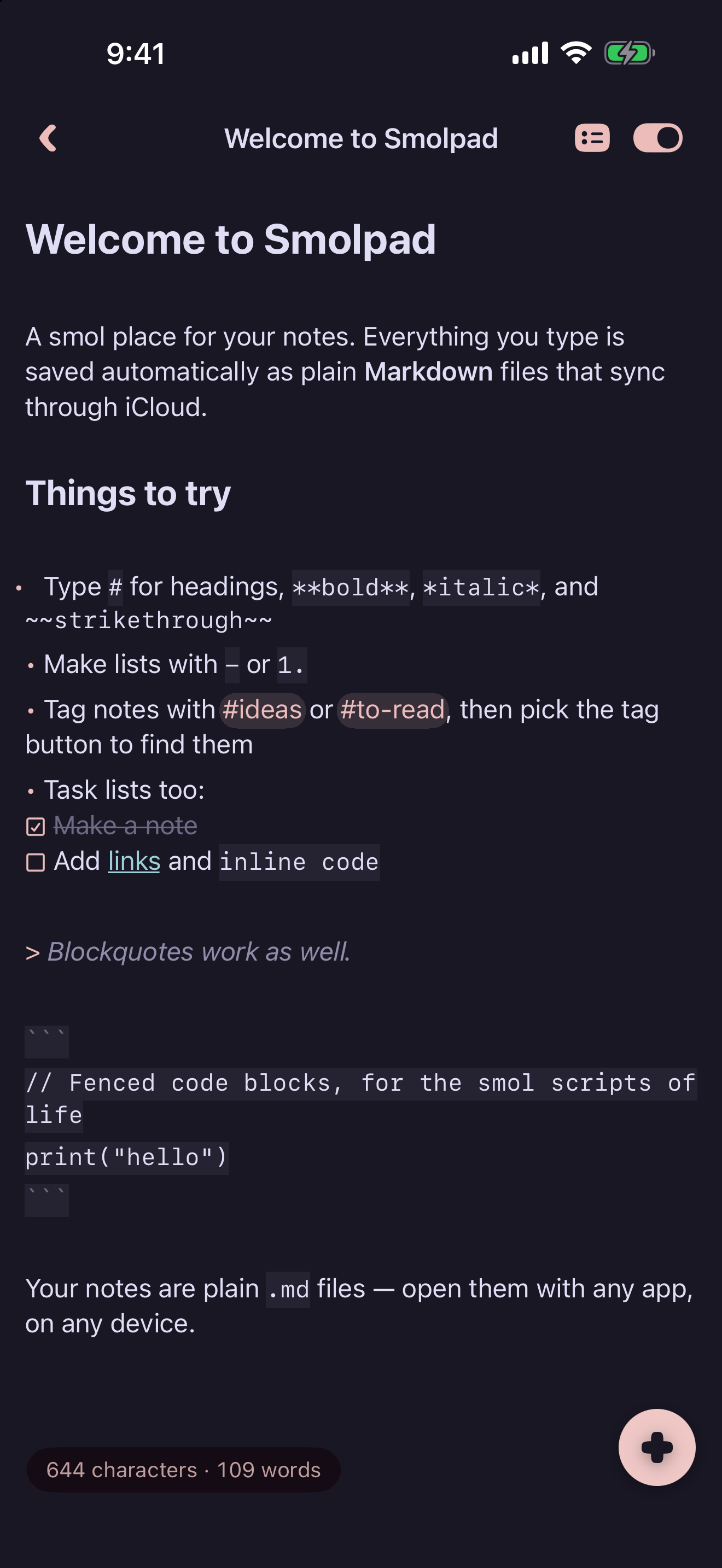
It is built around the menu bar. A keystroke drops the panel down, you write, and it goes away again; if the note grows into something longer, the panel tears off into a window of its own. The editor hides Markdown syntax while you type, draws checkboxes, tables and images inline, and lists a note's headings beside it so long documents stay navigable. There are twenty-nine editor themes, from Solarized and Gruvbox to Rose Pine and Catppuccin, and seventeen app icons.
Feature lines
Each one stands on its own, in case you only want a couple.
Every note is a plain Markdown file in your own iCloud Drive, Dropbox, pCloud, or Google Drive. No database, no account, no export needed.
Smolpad lives in the Mac menu bar and opens on a keyboard shortcut, then tears off into a floating window when you need more room.
Markdown syntax hides itself as you type, so a heading looks like a heading rather than a row of hash marks.
A note's headings list down the side, and clicking one jumps straight to that section.
Twenty-nine editor themes, twelve of them light, taken from each palette's published colors.
A Markdown table reads as a grid as you type, and Tab moves from cell to cell.
With Daily note on, one keyboard shortcut adds the selected text, or the clipboard, to today's note from any app on the Mac.
Five actions in the Shortcuts app, plus Siri and Spotlight, open, search, start and add to notes.
With Smolpad Pro, an Apple Watch app and five Lock Screen widgets keep a note one tap away.
One purchase covers Mac, iPhone, iPad and Apple Watch, and the free tier keeps every editing feature.
Video
Smolpad on the Mac in 24 seconds: the menu bar panel, Markdown tidying itself as it is typed, a link from one note to another, a table and tasks, text added to today's note from another app, the panel torn off into a window, and where the files live. Every picture of the app is Smolpad's own rendering. The desktop around it and the captions are drawn, and there is no sound. Embed it, cut it, or run a frame from it.
Download the clip · MP4, 1920 by 1080, 1.4 MB
Screenshots
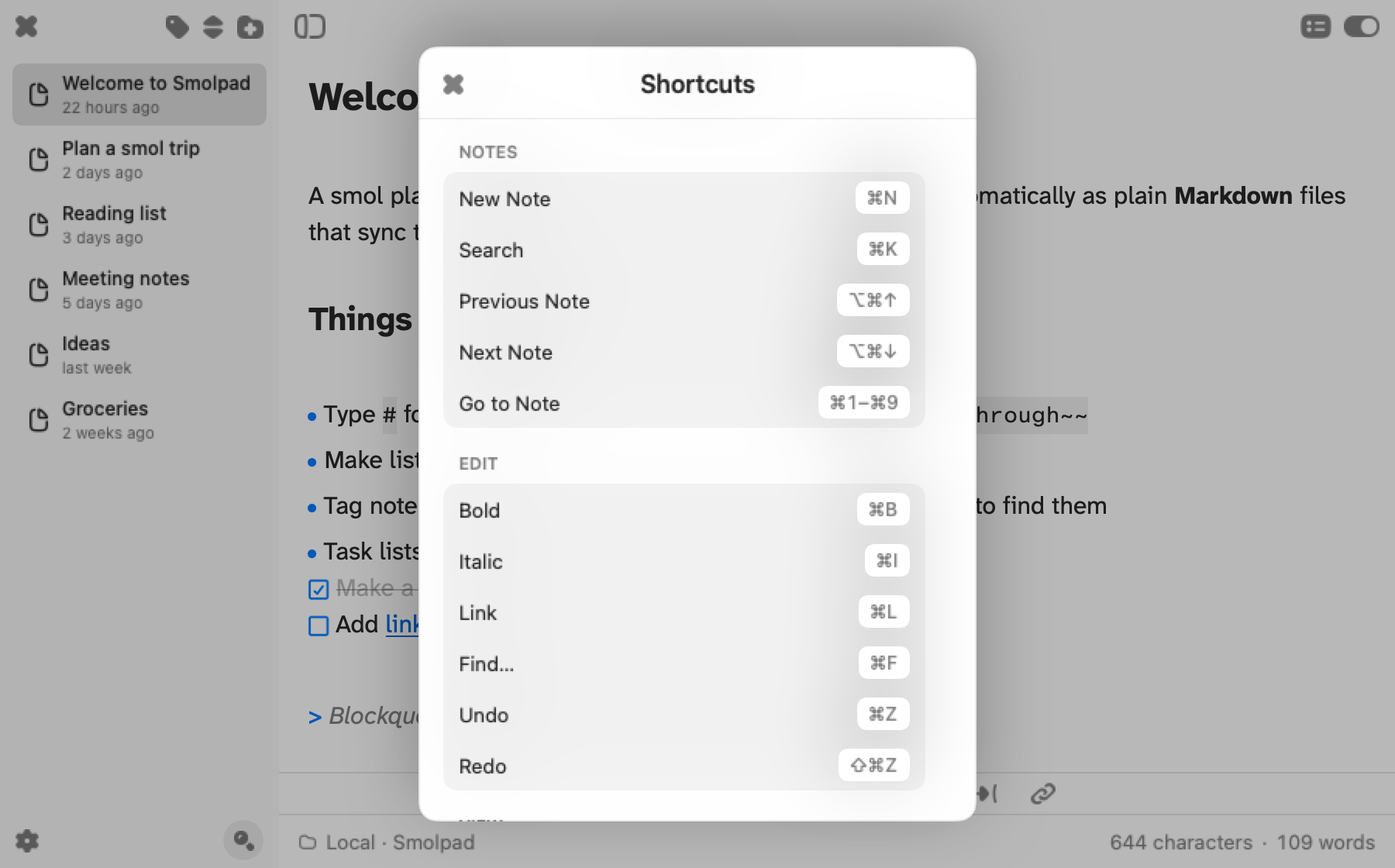
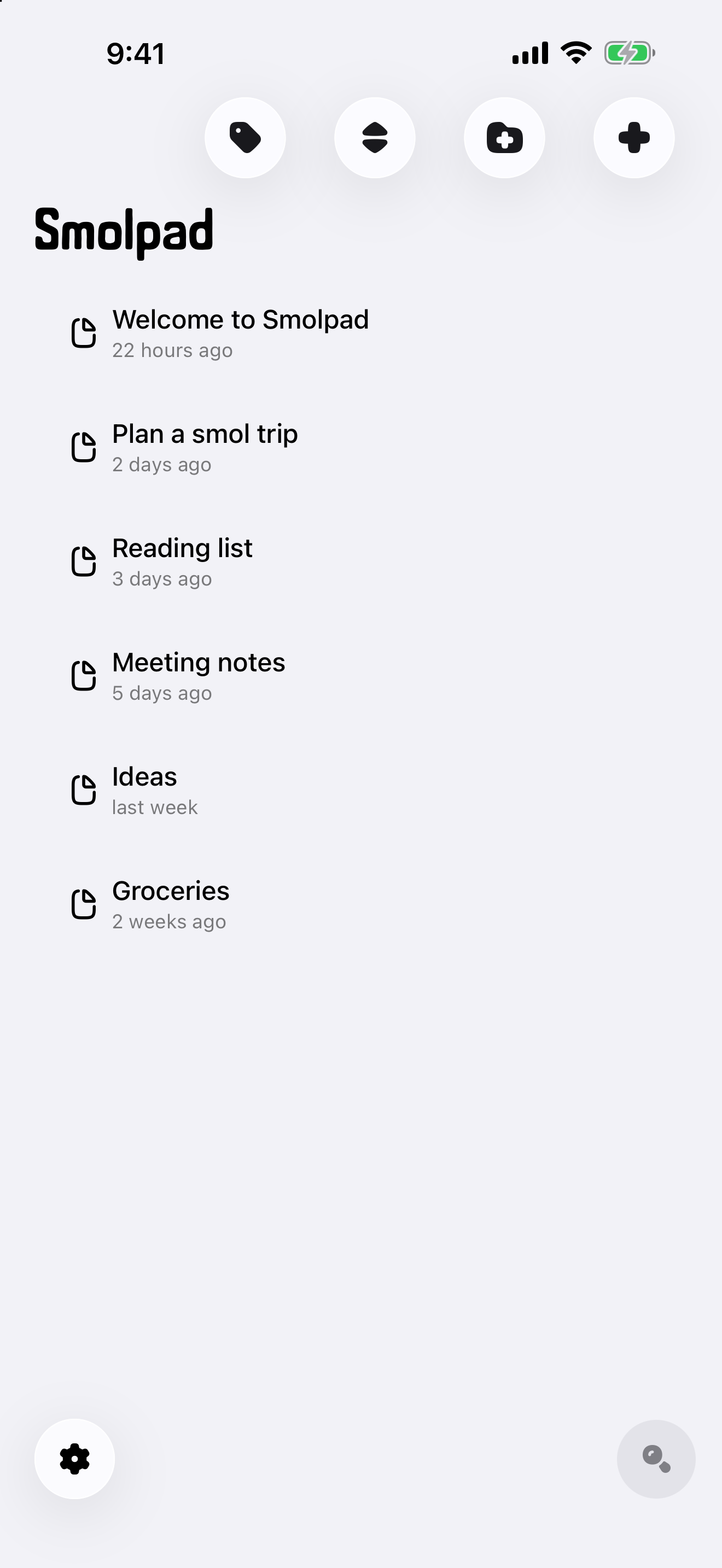
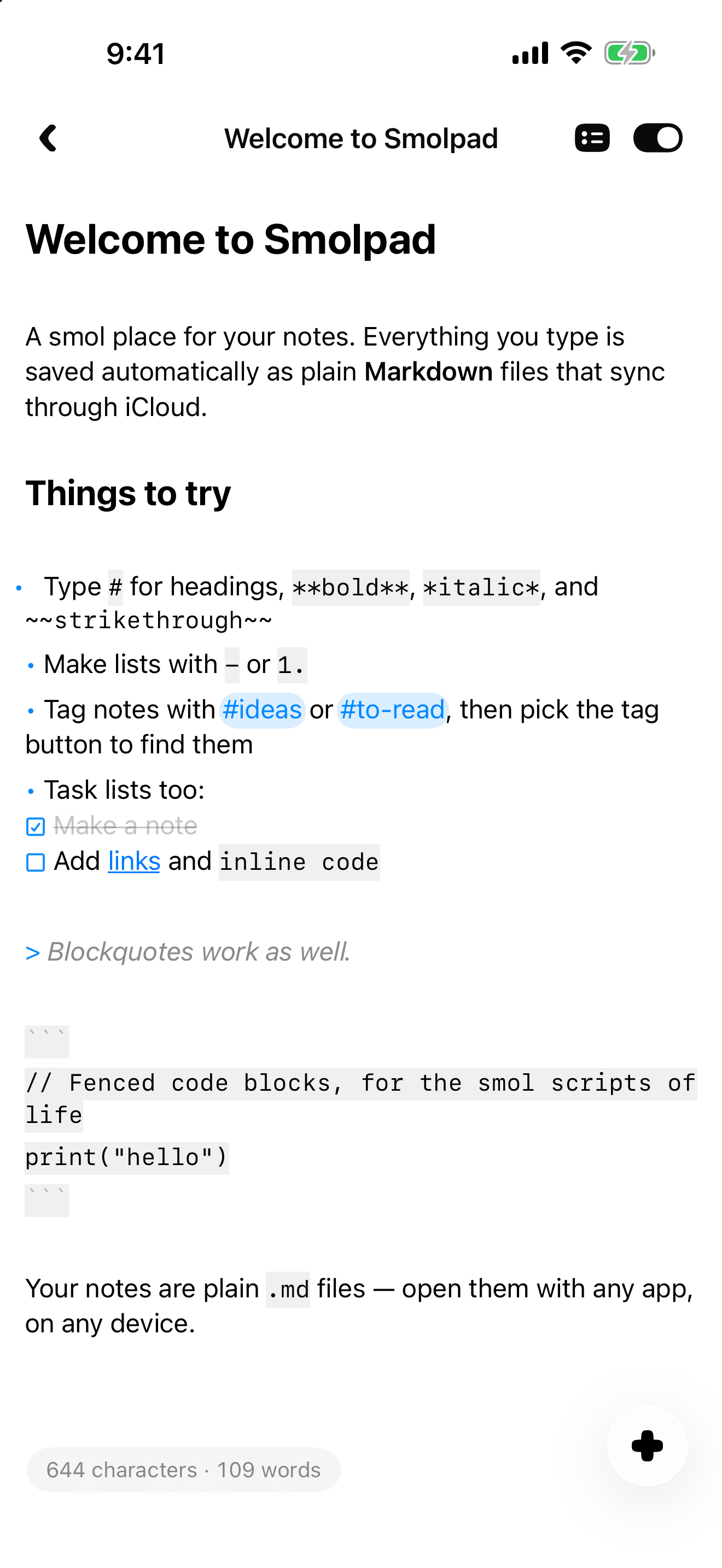
Raw captures at full device resolution, unframed and without marketing captions, so they can run as editorial images. Click any of them for the full-size file, or take the whole set from the zip above.
Mac
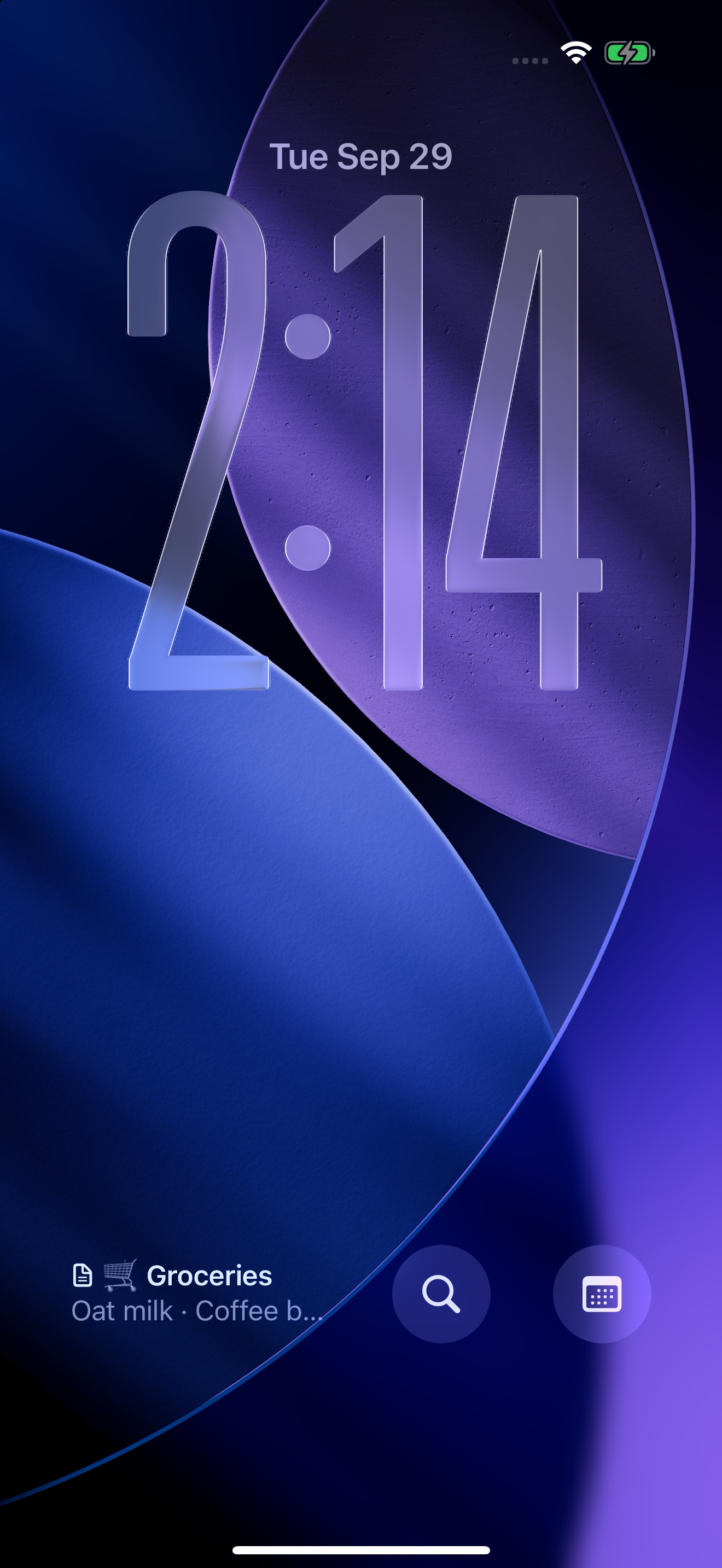
iPhone
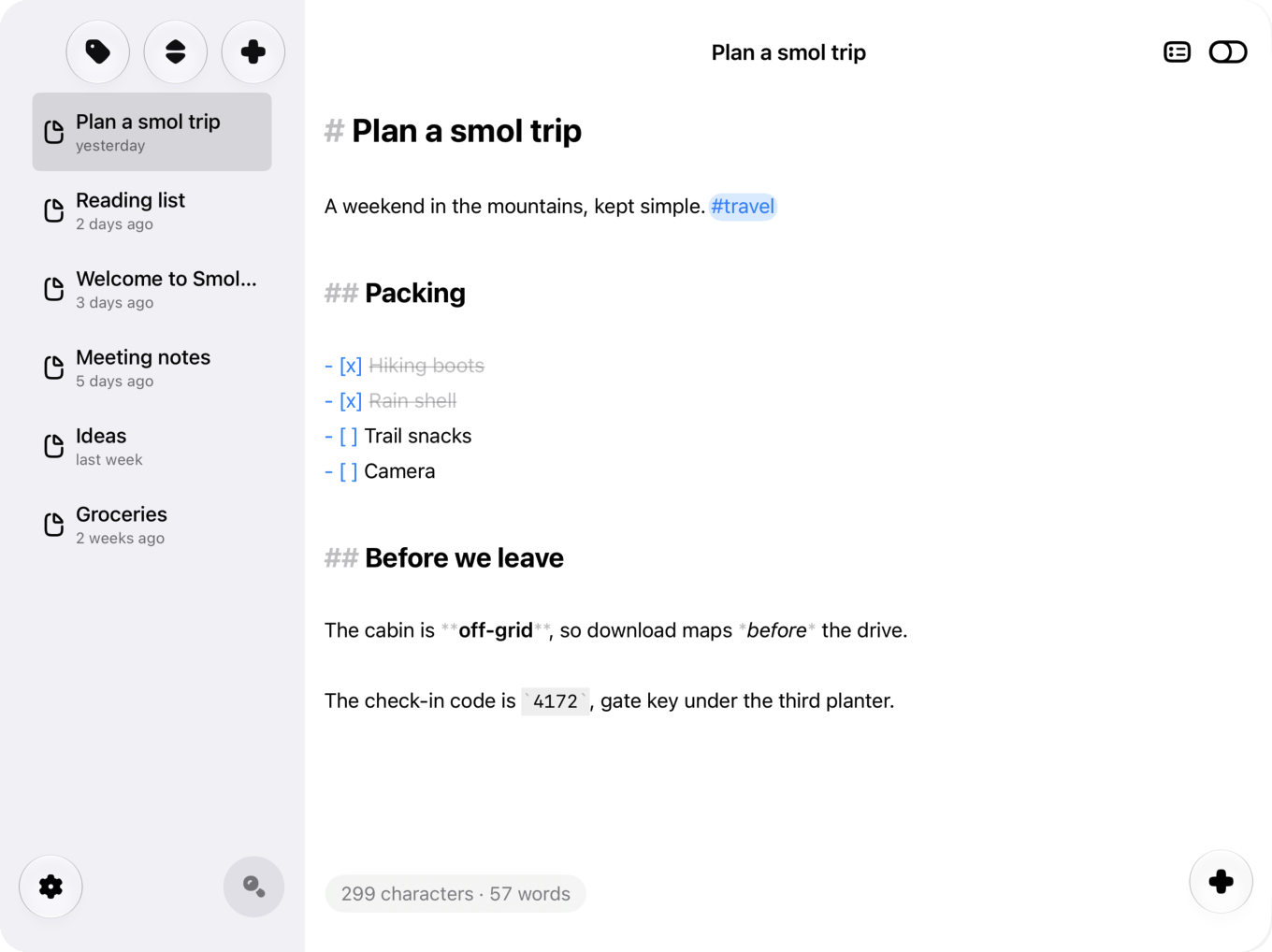
iPhone, in a wide window
Smolpad lays itself out by the width a window has, not by the device it runs on. In a window 940 points or wider the note list sits beside the editor, as on iPad. This is the iPhone app in a 1000 by 750 point window on iOS 27, captured from the simulator's resizable window mode.
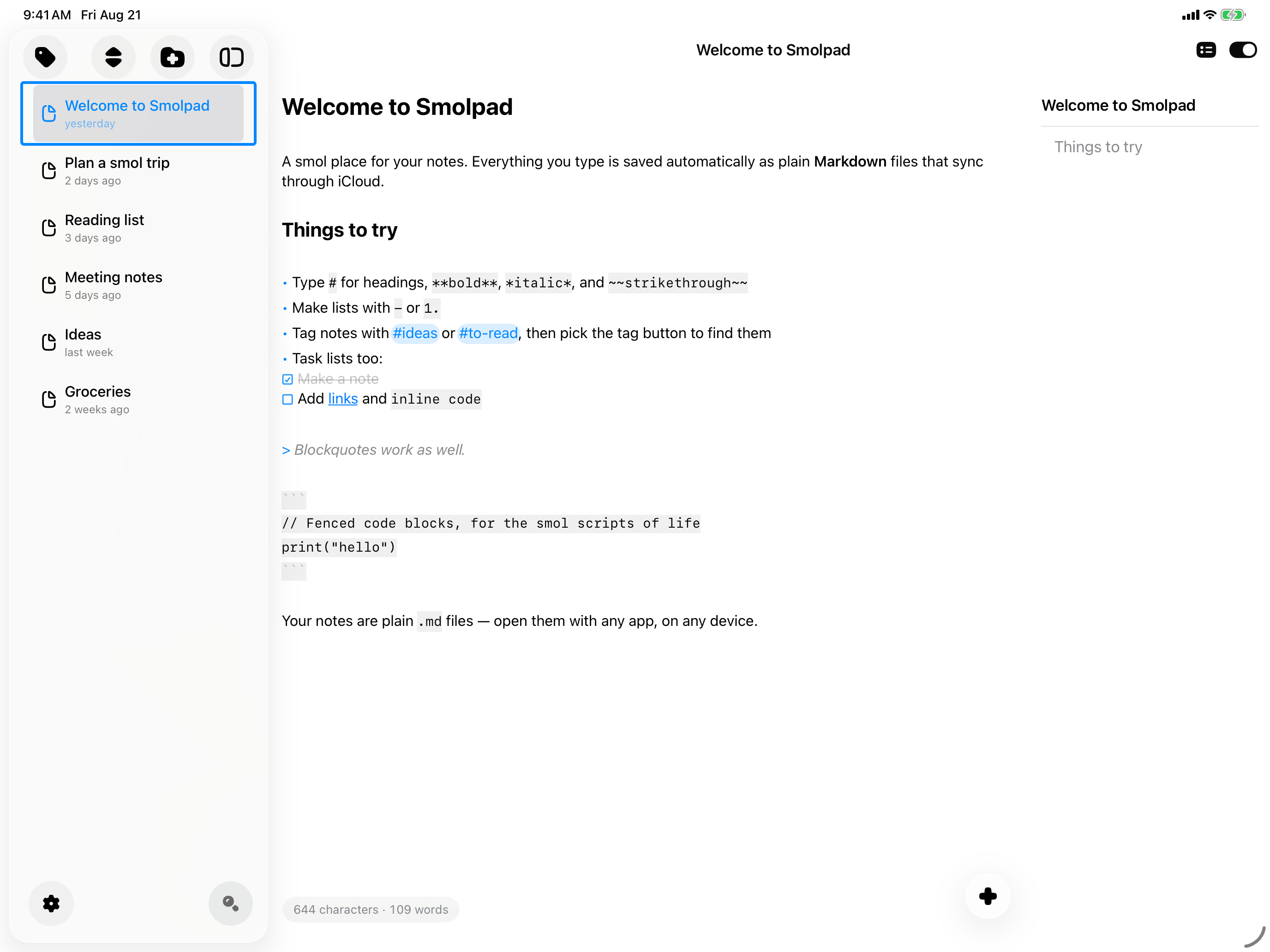
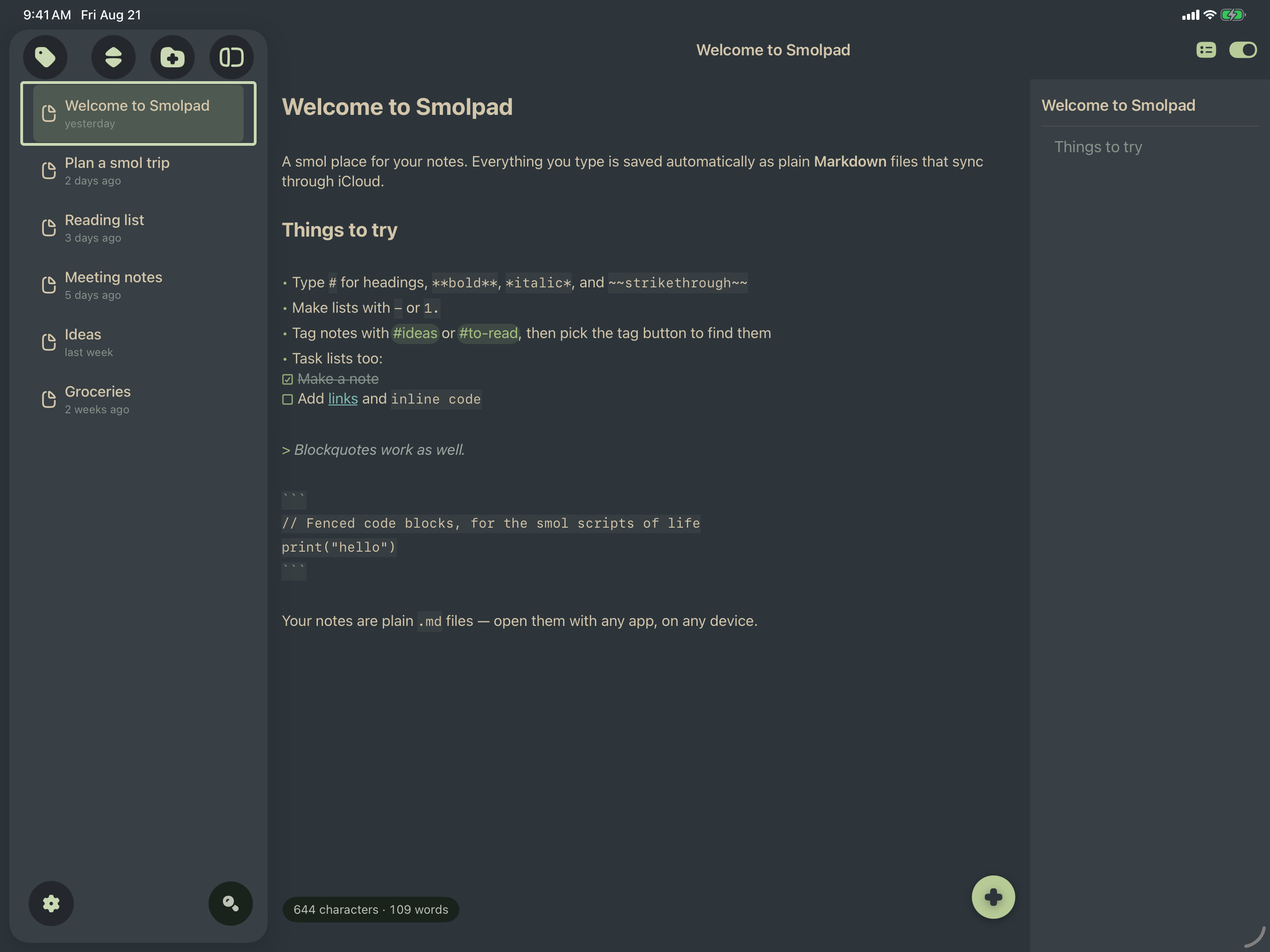
iPad
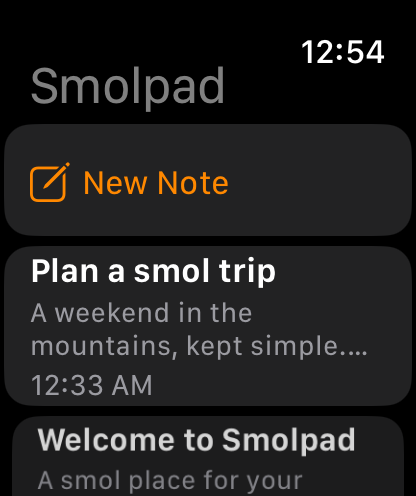
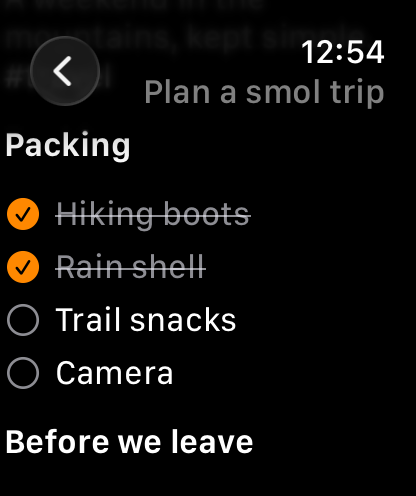
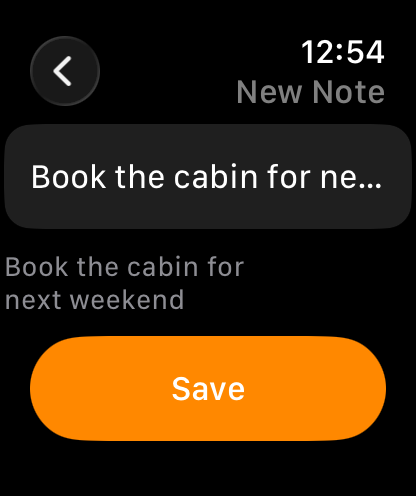
Apple Watch
The watch app comes with Smolpad Pro and works through the iPhone, which saves every change to your notes wherever they sync.
App icon
Transparent PNG, square. 1024×1024 · 512×512 · 256×256


About the developer
Smolpad is made by Gary Bacon, working alone as BaconWorks, LLC. He built it because every notes app he tried wanted to own the notes, and he wanted the files to stay files. He answers his own support mail, and the German and French translations came from people who volunteered after using the app.
Coverage
- VVMac, August 2026 (French): “Smolpad coche presque toutes les bonnes cases.”
- The Markdown Handbook, August 2026: The Markdown Link no. 43, a roundup of three Markdown editors.
Review copies
Smolpad Pro is free for anyone writing about it. Email press@smolpad.com and I will send a code the same day, for the Mac, iPhone, iPad and Apple Watch together. No conditions attached, including no expectation that you write anything.
Questions, or something you need that is not here?
Gary Bacon · press@smolpad.com · smolpad.com